
-
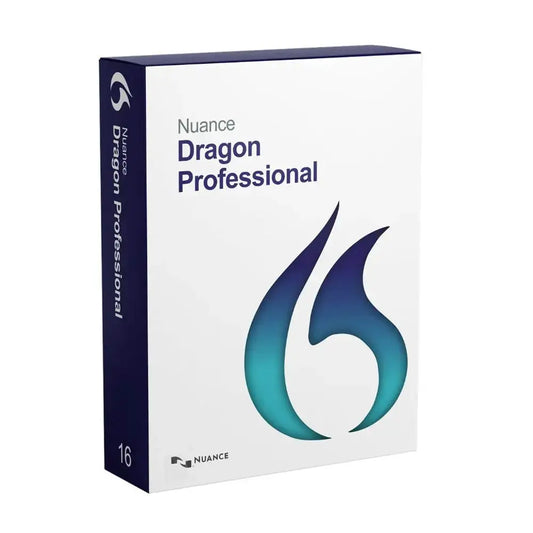
Nuance Dragon Professional Indivdual 16 - English (Download)
Regular price £679.99 GBPRegular priceUnit price per -
Tint and Track - Virtual Overlay (V2) - Standard
Regular price £59.98 GBPRegular priceUnit price per -
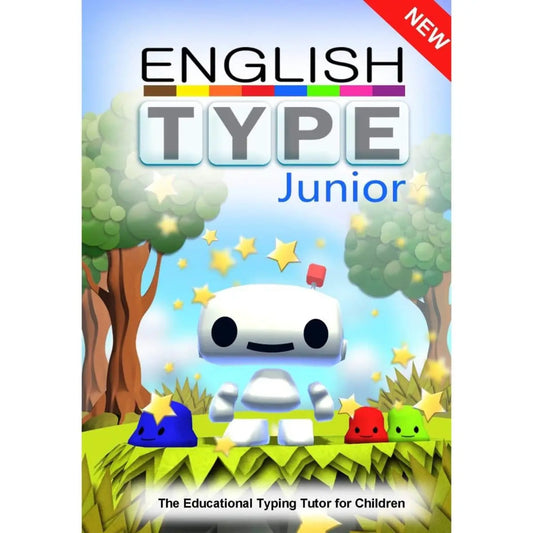
Englishtype Junior - Windows Download
Regular price £40.00 GBPRegular priceUnit price per -
Everyway Read & Write - (Digital Download) Yearly Subscription (formerly Texthelp)
Regular price £354.99 GBPRegular priceUnit price per -
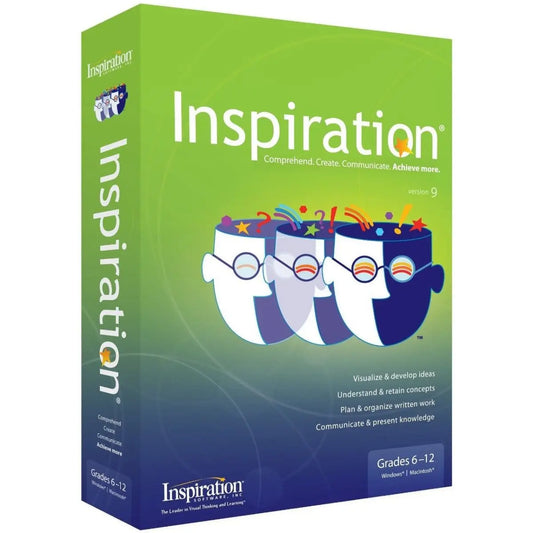
Inspiration 11 for Windows
Regular price £111.99 GBPRegular priceUnit price per -
UPGRADE Nuance Dragon Professional 16 from 15 - English Download
Regular price £375.99 GBPRegular priceUnit price per -
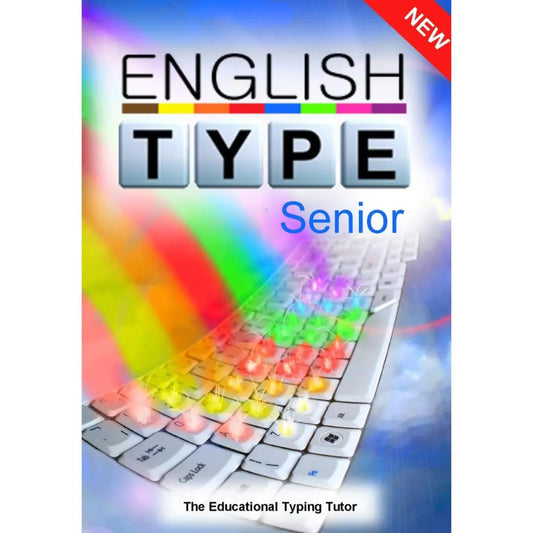
Englishtype Senior - Windows Download
Regular price £40.00 GBPRegular priceUnit price per -
Englishtype Junior - MAC Version Download
Regular price £40.00 GBPRegular priceUnit price per -
Nuance Dragon Professional 16 - Volume Licenses
Regular price From £679.99 GBPRegular priceUnit price per -
WordShark Home - (Download)
Regular price £252.00 GBPRegular priceUnit price per -
Englishtype Senior - Mac Version (Download)
Regular price £40.00 GBPRegular priceUnit price per£40.00 GBPSale price £40.00 GBP -
Numbershark v5 Home - (Download)
Regular price £180.00 GBPRegular priceUnit price per -
Grammar Games (single user)
Regular price £31.50 GBPRegular priceUnit price per -
Wordshark V5 School - (Download)
Regular price £395.99 GBPRegular priceUnit price per -
Kaz SEN/Dyslexia Typing Tutor – Digital Download
Regular price £49.95 GBPRegular priceUnit price per -
Kaz SEN/Dyslexia Typing Tutor – Online e-Learning – 12 Month
Regular price From £24.95 GBPRegular priceUnit price per








Frequently asked questions
What is assistive software for dyslexia?
Assistive software for dyslexia is any program that removes reading or writing barriers for dyslexic users. The most common types are text-to-speech tools such as ClaroRead and Read&Write, speech-to-text tools such as Nuance Dragon, and mind-mapping software such as Inspiration. Most dyslexic learners benefit from a combination of two or three tools rather than a single app.
Which assistive software is best for visual stress or Irlen's syndrome?
For visual stress and Irlen's syndrome, screen-tinting software applies a coloured overlay across the whole display to reduce glare and letter movement when reading on a computer. This is the digital equivalent of a physical coloured overlay and can be used alongside our monitor overlays and reading rulers. Tint colour should be matched to the user, ideally following a visual stress assessment.
Is assistive software allowed in GCSE and A-level exams?
Yes, several assistive software titles are permitted under JCQ access arrangements, including computer readers and word processors with spellcheck. The exact arrangement must be approved by the school's Access Arrangement Coordinator and applied for via Form 8 or 8RF where required. Software used in exams should already be the learner's normal way of working in class, per JCQ section 5.8.
What assistive software is recommended for adults and the workplace?
For adults, Nuance Dragon Professional and TextHelp Read&Write are the two most-requested titles for workplace reasonable adjustments under the Equality Act 2010 and for Access to Work funding. Dragon supports dictation and voice control for report writing and emails, while Read&Write supports reading, proofing and research tasks. Both work on Windows and, for Read&Write, Mac.
Can schools buy assistive software on a site licence?
Yes. Most titles in our Software collection offer single-user, multi-user and whole-site licences, and several are available as network deployments for MATs and trusts. SENCOs and SEND coordinators can use site licences to support pupils across SEND provision, from Year 1 through Year 13. Call 01394 671 818 for a quote on bulk or trust-wide orders.
Is assistive software available as a download or on disc?
Most assistive software is now supplied as a digital download with an emailed licence and activation key, usually within 24 hours of order. A few titles still ship on disc or USB. Product pages state the delivery method. Please note that software licences are generally non-refundable once activated, so it's worth checking system requirements before ordering.
Does assistive software replace phonics or reading intervention?
No - assistive software is an access tool, not a replacement for structured literacy teaching. Dyslexic learners still benefit from phonics-based intervention such as Dyslexia Gold or structured literacy programmes alongside assistive technology. Assistive software removes the barrier so the learner can access age-appropriate content, while intervention continues to build underlying reading and spelling skills.